
How it works
Seven steps, one friendly learning rhythm.
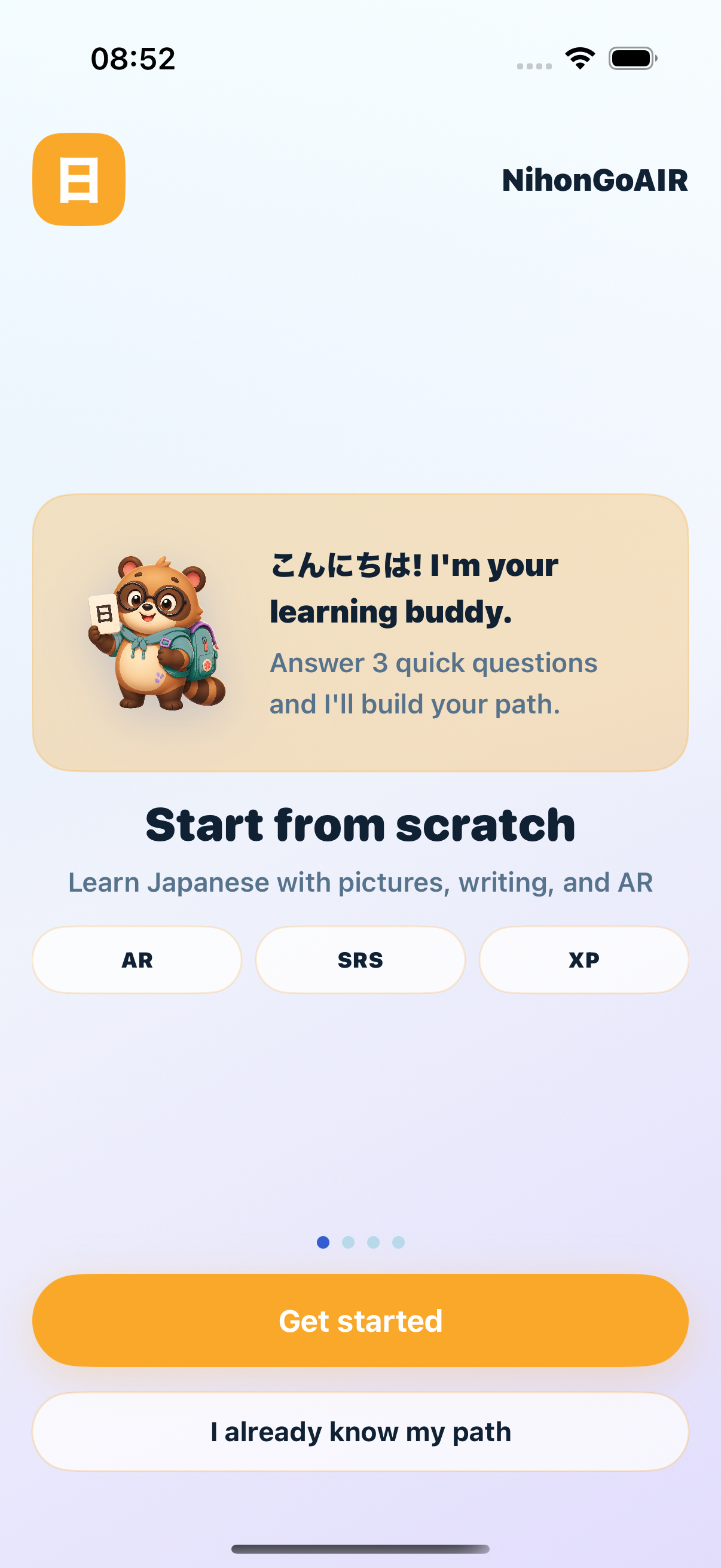
NihonGoAIR supports young children, school students, teens, and adults with the same learning engine and adaptive UI density. Explore the core learning loop.
Choose Learner Mode
Select between Young Child, School Student, or Teen/Adult mode. The app adapts its UI density, navigation, and learning style to perfectly match the user, while keeping the same powerful core engine.
- Adapts navigation density and labels based on age
- Young child mode simplifies navigation (audio & pictures first)
- Adult mode provides full SRS detail and JLPT tracks
Discover in AR
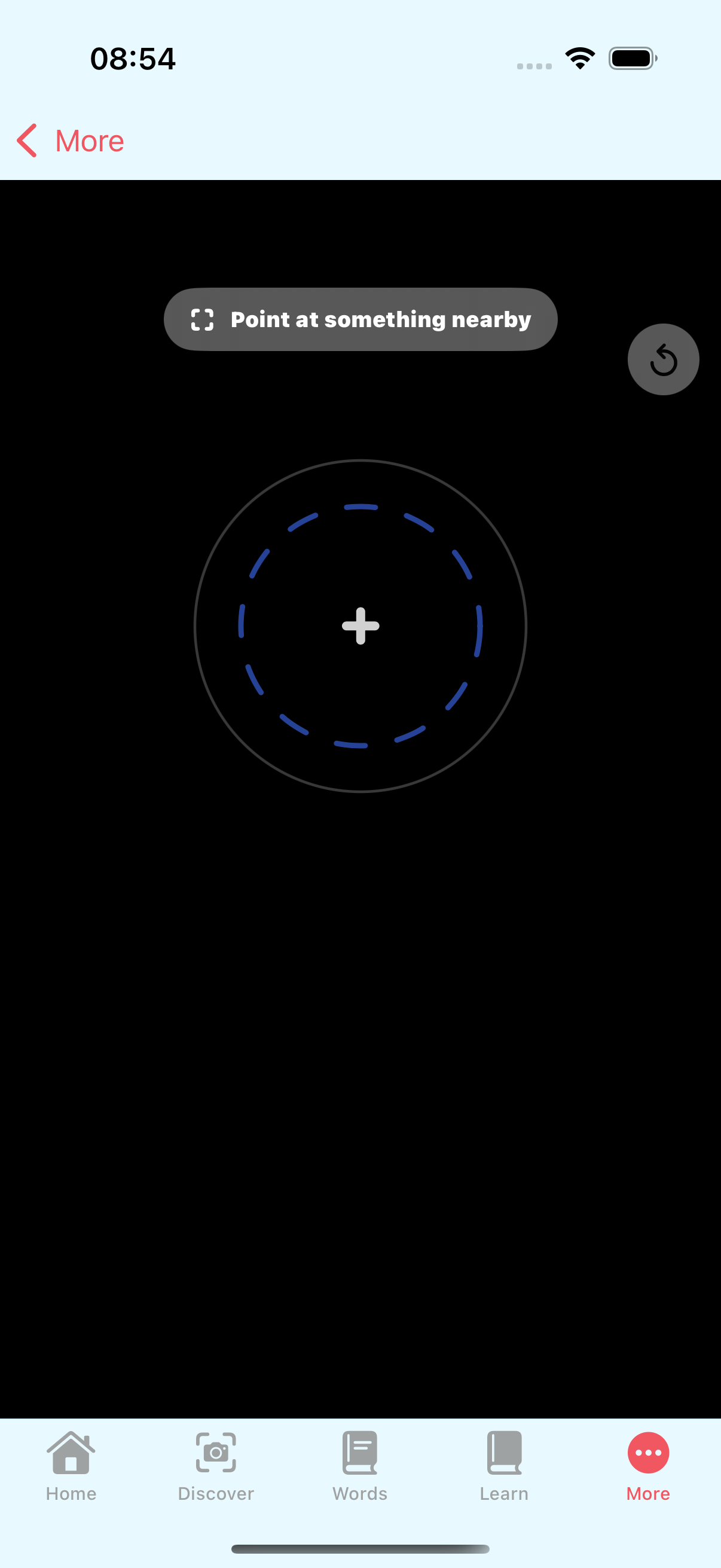
Point your phone at everyday objects. Using real-time object detection and LiDAR depth mapping, NihonGoAIR instantly displays floating, readable labels (Kanji, Kana, Romaji, and English) right in your real environment.
- Real-time object detection using YOLOv8n CoreML model
- LiDAR depth scoring for precise spatial text placement
- Three-line readability hierarchy for Kanji, Kana/Romaji, and English
Save to My Deck
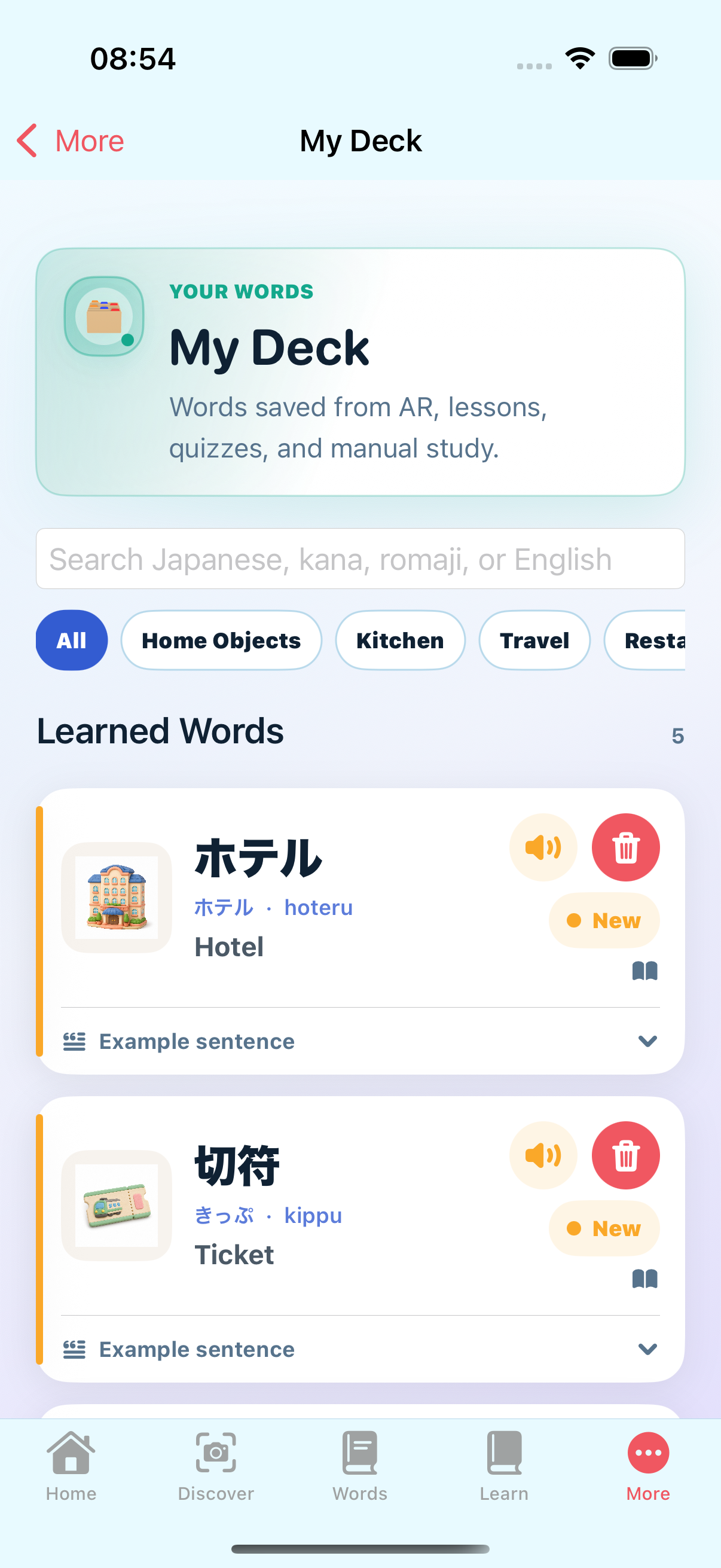
Tap any discovered word in the AR view to instantly add it to your personal learning deck. Start building a local deck immediately—no signup required to begin.
- Build a customized vocab list with one-tap saves
- Local-first persistence saves progress immediately
- Guest mode operates entirely local without forced sign-ups
Review with SRS
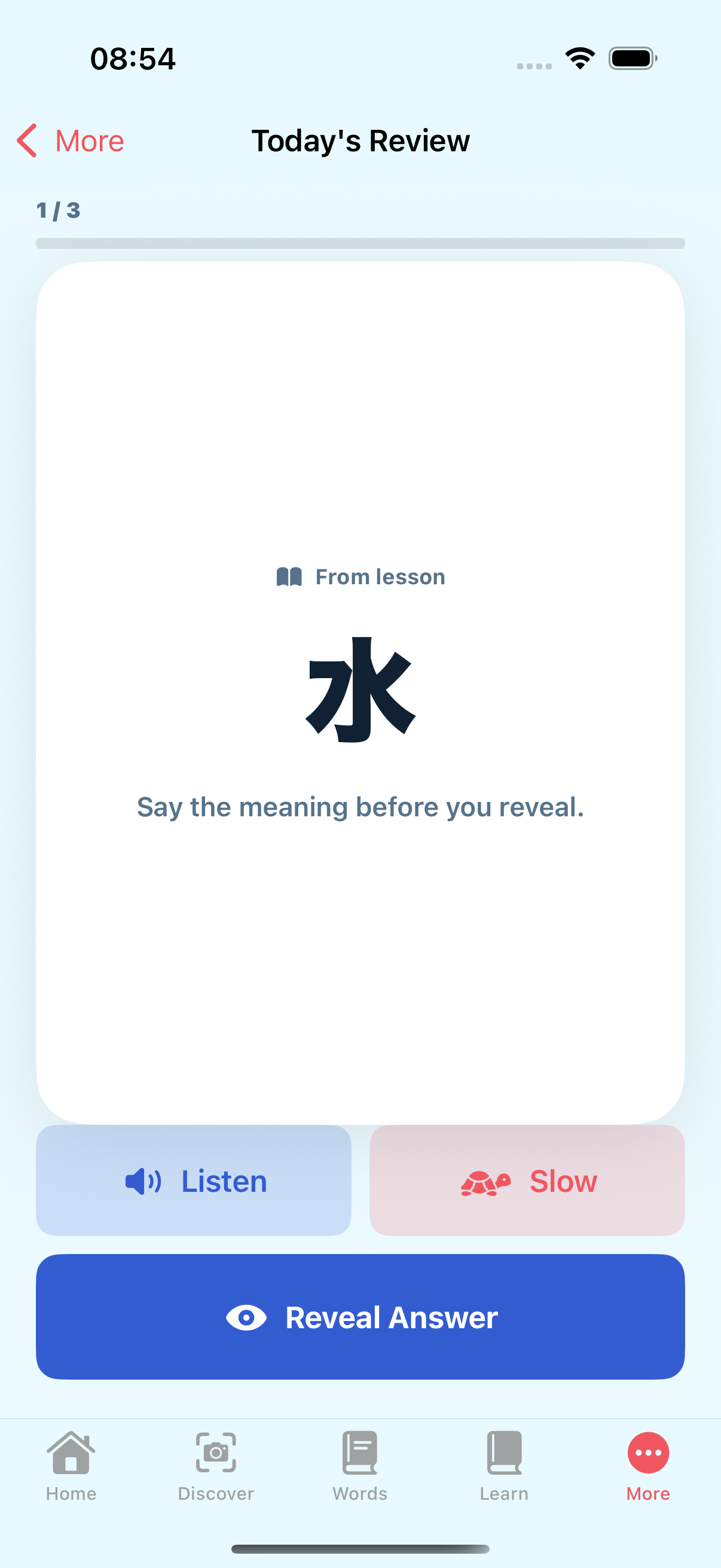
Master your saved words through Spaced Repetition (SRS). The app schedules reviews based on your performance to show you words right when you're about to forget them, ensuring long-term memory.
- Uses optimized SM-2-lite scheduling algorithm
- Saves progress locally and syncs to cloud on demand
- Tracks intervals, ease factor, and review streak counts
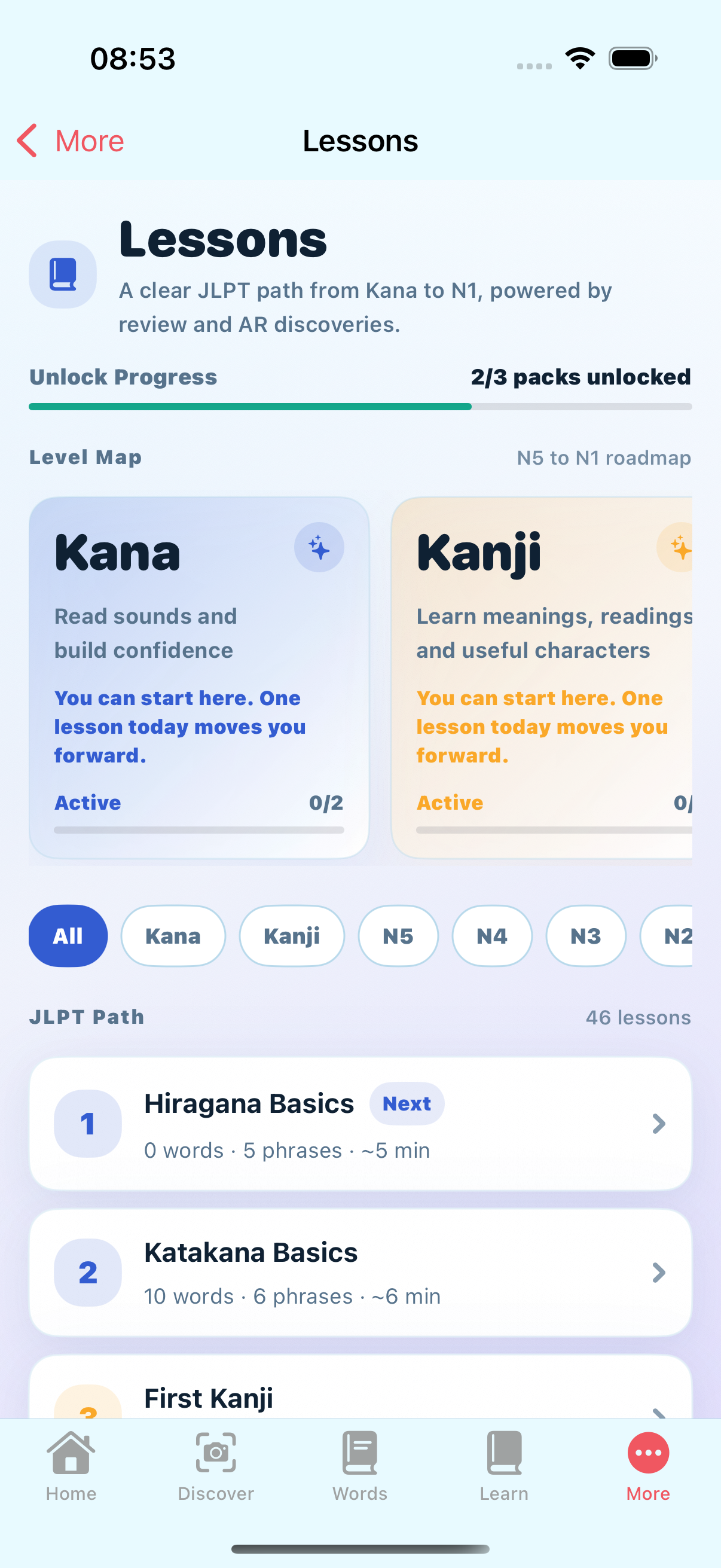
Complete Lessons
Follow structured learning paths tailored to your level. Start with Kana or survival phrases, and advance through interactive lessons featuring grammar, fill-in-the-blanks, and vocabulary practice.
- Progressive curriculums covering essential travel vocabulary
- Curriculum paths optimized for JLPT N5 and N4 metrics
- Engaging vocabulary and grammar review units
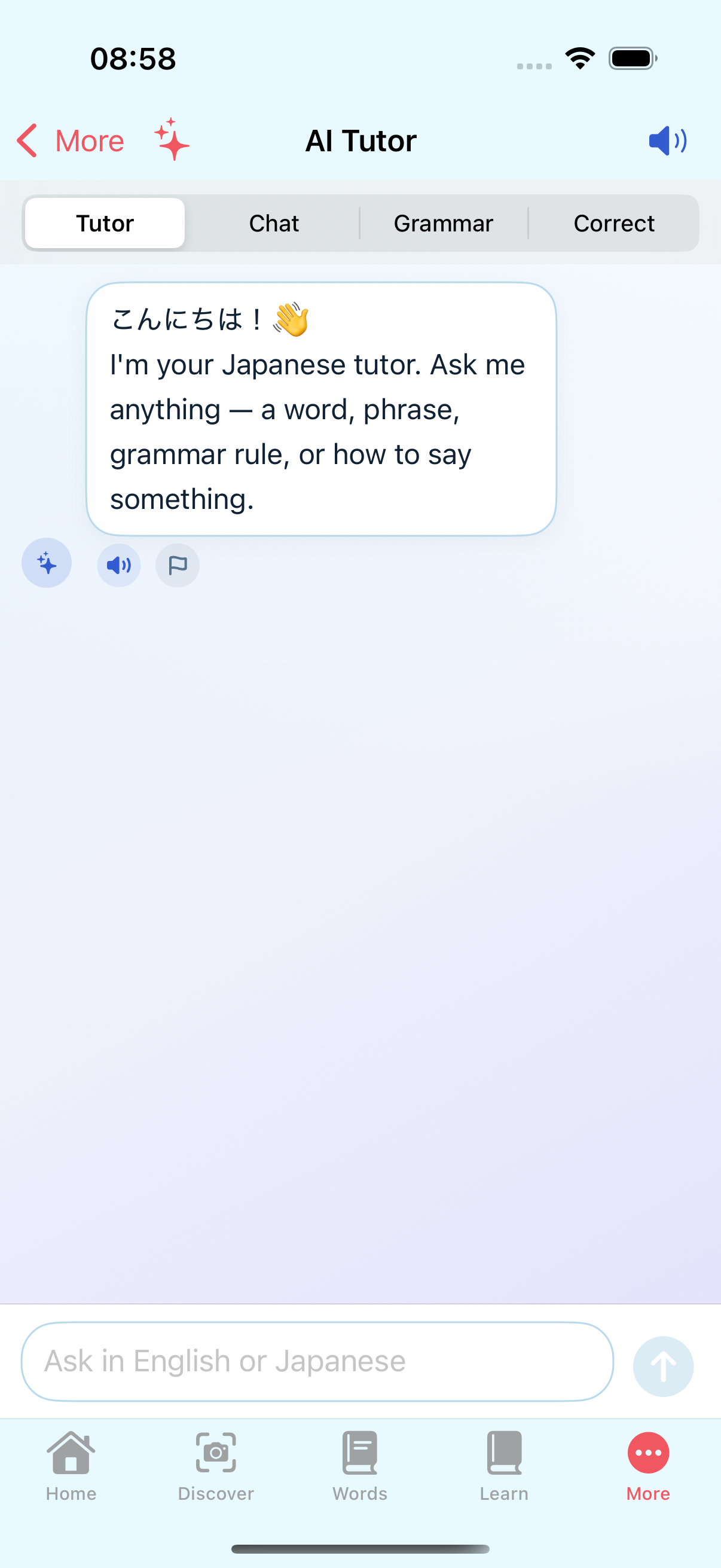
Practice Speaking
Test your pronunciation and conversation skills with the AI Tutor. Engage in simulated travel scenarios, receive instant feedback, and build confidence before speaking Japanese in the real world.
- Interactive conversational prompts covering travel situations
- Voice recording with text-to-speech feedback
- Realistic situation dialogues like ordering food or asking directions
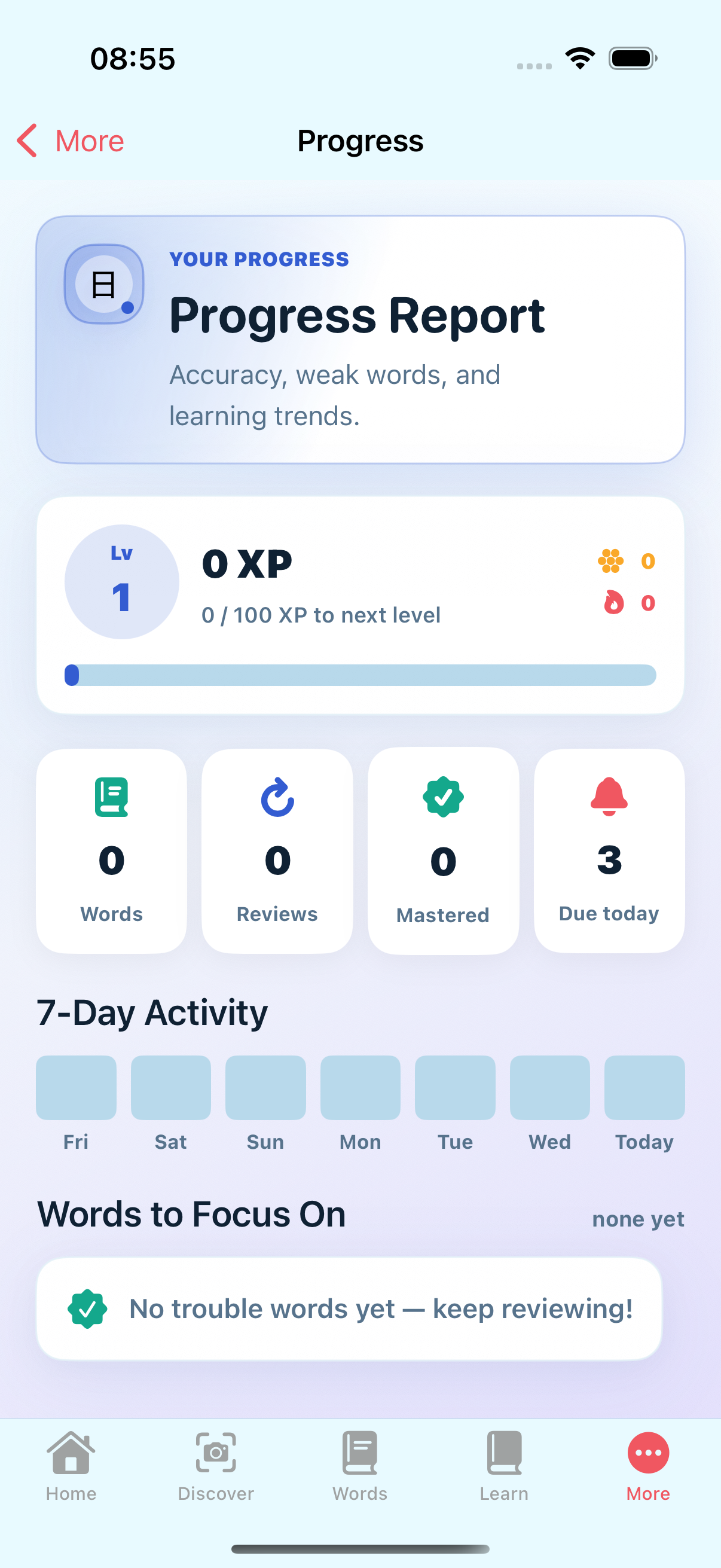
Unlock Progression
Earn XP by completing daily reviews and missions. As you master words and complete tasks, you'll unlock new JLPT paths, advanced lessons, and specialized AR discovery packs.
- Unlock achievements and keep a daily streak running
- Gain XP and unlock advanced vocabulary and grammar units
- Unlock localized city packs and cultural travel scenarios
Download CTA
Ready to learn Japanese from the world around you?
Start with guest mode, discover your first words, and sign up when you want sync and community.